Emuplane
Emuplane is a console and control plane in front of an AWS emulator. It gives you the parts of local AWS that a CLI alone cannot show: accounts you sign in to, regions an account has enabled, access keys you can hand to a tool, and console pages where a bucket, an object or an access point is readable rather than implied.
What it is
| Piece | What it does |
|---|---|
| Gateway | The SigV4 front door for your tools. It resolves the account from the access key, refuses a region the account has not enabled, and forwards the request to the emulator. |
| Control plane | Accounts, users, sessions, access keys, region enablement, and its own state — kept in the emulator's DynamoDB, so there is no separate database to run. |
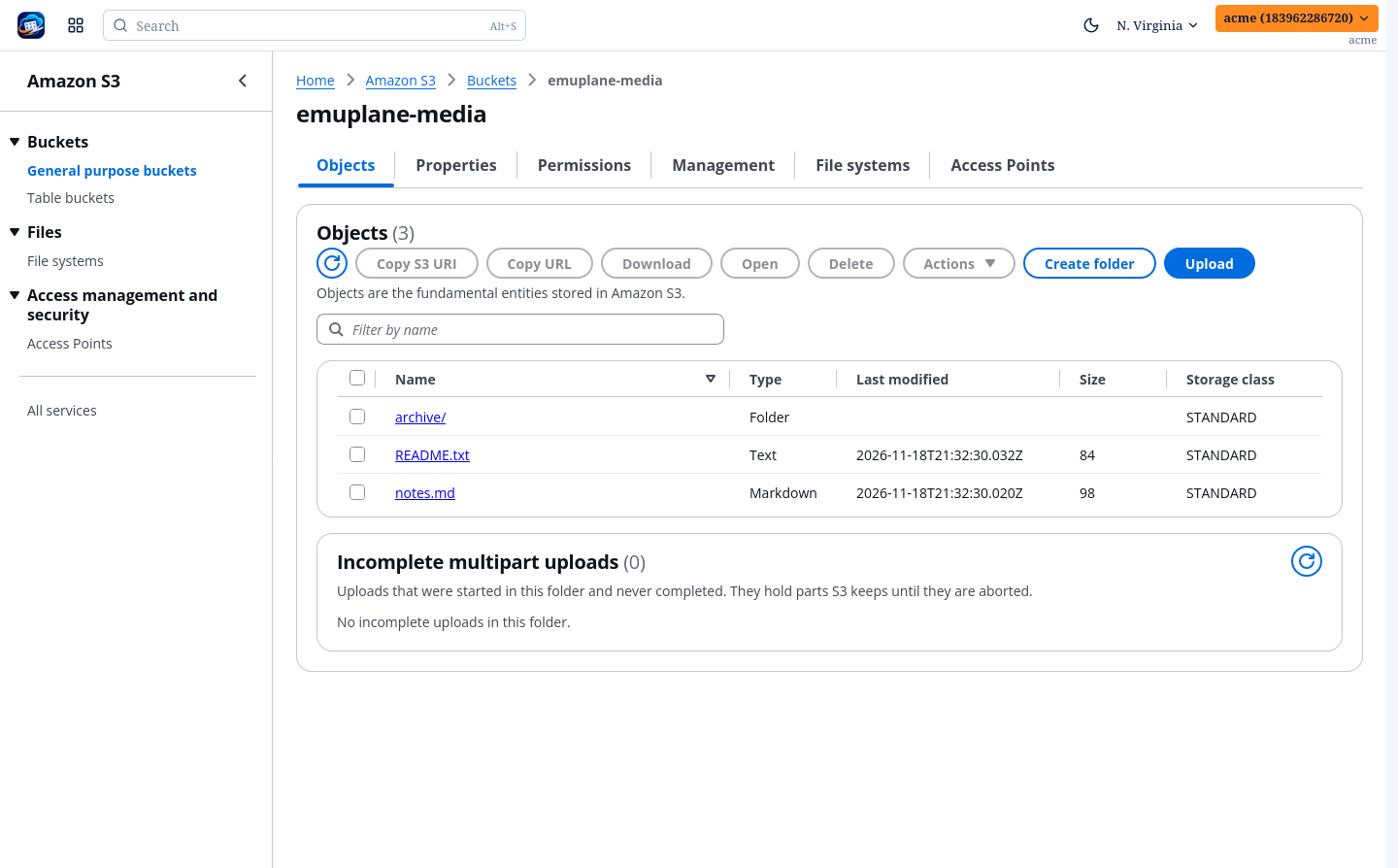
| Console | A React + Cloudscape UI: a region menu, service pages, the S3 pages, an API explorer and the sign-in screens. |
Nothing is seeded. The first account is made at /signup, and the deployment's
bearer token is minted once inside the container (python /app/api_token.py).
What it is not
- Not an emulator. The emulator is a separate project; Emuplane talks to it through one URL. MiniStack is the verified backend in this cycle (1.5.40-full); anything that speaks the same protocol points at the same URL.
- Not a proxy to real AWS. It is a local lab: no credential leaves the box.
- Not production infrastructure. A control plane for a lab, sized to run beside the emulator on one host.
Where to go next
- Quickstart — two containers, one sign-in, one bucket.
- Architecture — what runs where, and which component owns which rule.
- Beyond the emulator — what Emuplane adds that the emulator has no opinion about, MFA delete included.
- S3 — the pages, and what each one is allowed to claim.
- S3 coverage — every operation, and whether the console can show or do it.
- Control API — the routes the console calls, and how to call them yourself.